For sales and client facing teams

Every call should leave a record that someone can use.

Joobah turns the customer conversation into requirements, objections, promises and a follow up note while the call is still fresh.

Two people in an informal client conversation over drinks.

The problem

What a normal week looks like

  • Call notes taken in a hurry that nobody else can read.
  • Customer requirements split between CRM fields and notebooks.
  • Follow up emails written from a half remembered conversation.

With Joobah

A consistent call record and follow up material you can reuse, without a second hour of admin after every call.

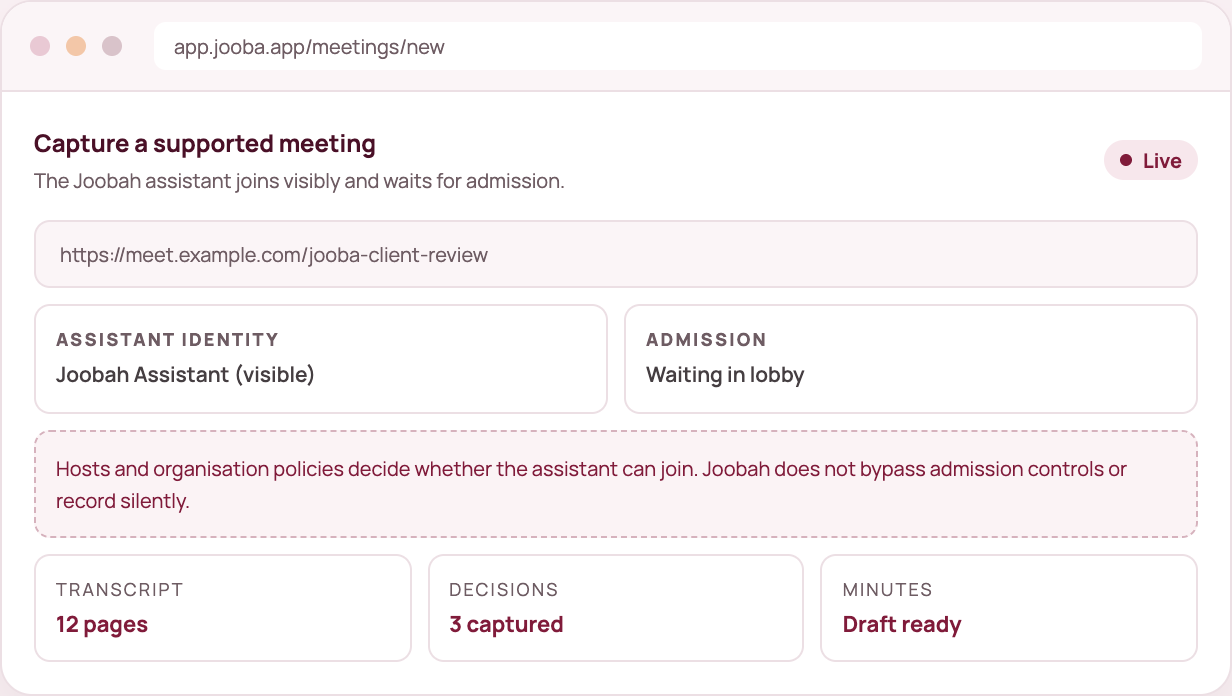
mock meeting

What you get

Four things that help sales and client facing teams

All of this is in your workspace from day one.

✓ Requirements captured

Pull out what the customer asked for and pass it on as a brief.

✓ Follow up drafted

Create a recap note, then change the tone before you send it.

✓ Objections on record

The transcript keeps the detail, including the parts a summary skips.

✓ Prepare from history

Search past conversations before the renewal or the next call.

IncludedUnified calendar, availability, booking pages and meeting confirmations are included. See the calendar

How we handle trust

  • Meeting capture uses a visible assistant. Hosts decide whether it joins.
  • Every meeting capture needs the host to let the assistant in.
  • Recording is visible, sharing is your choice and you can delete any record.
  • Generated documents are drafts you review before sharing.
  • Our analytics never see your transcripts, audio or documents.

Sales and client facing teams questions

Does Joobah join calls by itself?

No. You add the Joobah assistant to a meeting you run or are invited to, and the host lets it in. Everyone can see it the whole time.

Can I use a call recording I already have?

Yes. Upload the audio in Voice Inbox and get a transcript and a document from it.

Can I share call records with my team?

Yes. Publish a read only link to the document. The link shows the document only, never the transcript or the recording.


One capture is all it takes to decide.

Sign up, choose what to do first and see what a conversation turns into when it has somewhere useful to go.