Work and life together

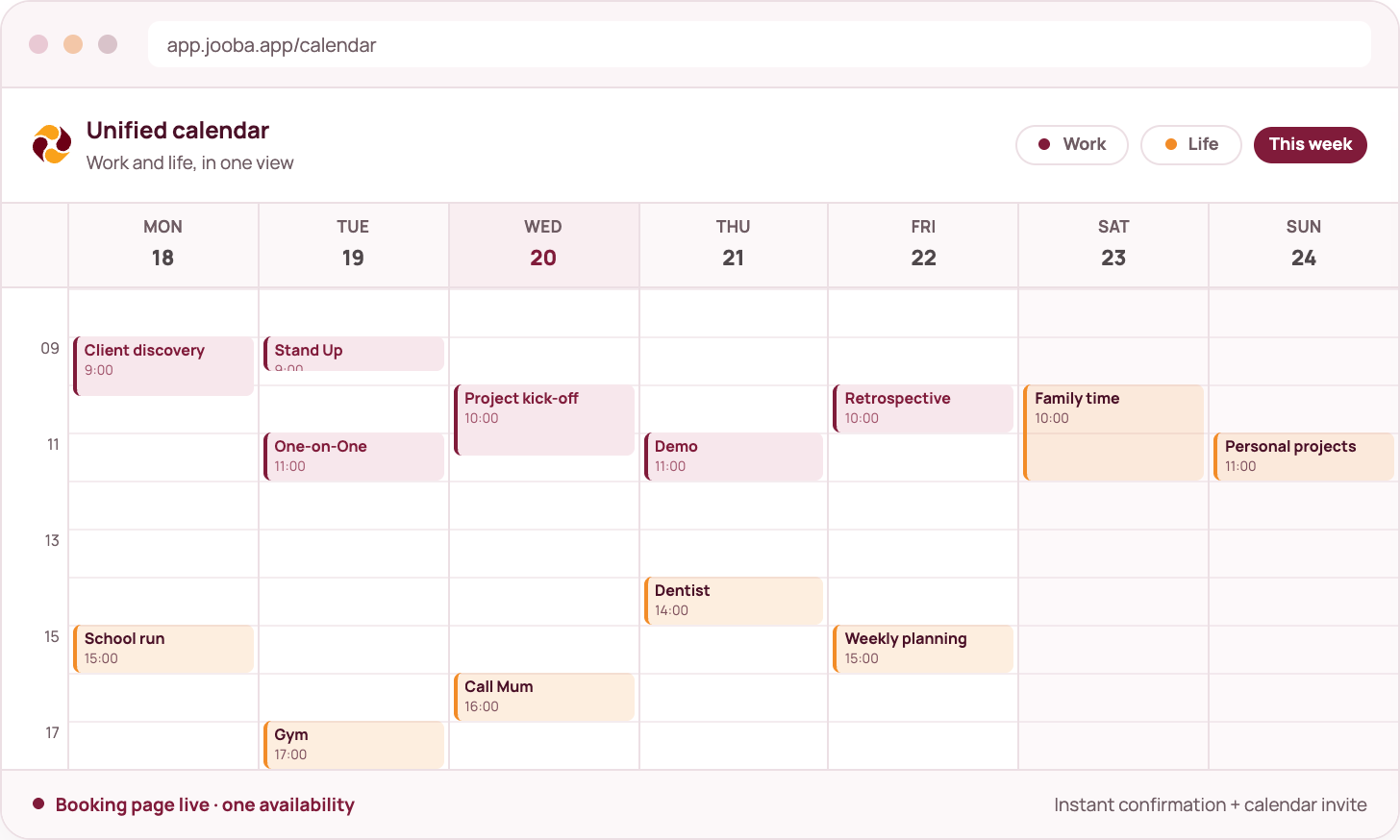
One view of your whole day.

Joobah puts your work and personal calendars in one place, shows when you are really free and lets people book time with you through a single link.

What you get

The detail behind the screen

✓ Connect your calendars

Add Google, Outlook and Apple calendars and see them together.

✓ See everything at once

Work shows in burgundy and personal plans in orange, all in one view.

✓ Your real free time

Free slots are worked out across all your calendars, with breaks between meetings.

✓ Your own booking page

Share your link, let people pick a time and confirm the meeting straight away.

✓ Confirmations

Every booking gets a confirmation and a calendar invite that both sides can save.

✓ Meetings and notes together

A booked meeting sits next to your captures, notes and next steps.

mock calendar

How it fits

Where this sits in the workflow

01

Connect

Add your work and personal calendars to Joobah.

02

Merge

See one calendar with work and personal events in different colours.

03

Share

Send your booking page so people can pick a free slot.

04

Confirm

The meeting is confirmed, added to your calendar and ready to capture.

Good to know

Your booking page only shows free time. Private event details stay in your calendar. Guests see open slots, not what you are busy with.

Questions about unified calendar

Still deciding? See what is included in each plan or start free and run one capture.

Included in every planProduct of MedulaWorks Limited
Which calendars can I connect?

Google Calendar, Outlook and Apple Calendar through their iCal links, plus any standard iCalendar feed.

Can Joobah see my private event details?

You can see connected events in your own workspace. Your public booking page only shows free slots, never event titles or details.

Can I set different hours for different days?

Yes. You choose your available days, your daily hours, the meeting length, the break between meetings and how far ahead people can book.

What happens when someone books?

The time is checked against every connected calendar, confirmed straight away and added to your calendar with an invite you can download.

Keep exploring

Daily capture

Meeting assistant

Documents from conversations