For coaches and trainers

Session notes should take minutes, not your whole evening.

Record a session you have permission to record, sort out the themes and prepare the action plan. You review it before anything reaches your client.

Two people in a warm, plant-filled room talking through a plan together.

The problem

What a normal week looks like

  • Back to back sessions leave no time to write notes between clients.
  • Action plans are agreed in the room and then forgotten in the notes.
  • Client records look different from one session to the next.

With Joobah

Consistent session notes and action plans, drafted from the session and edited by you before they reach the client.

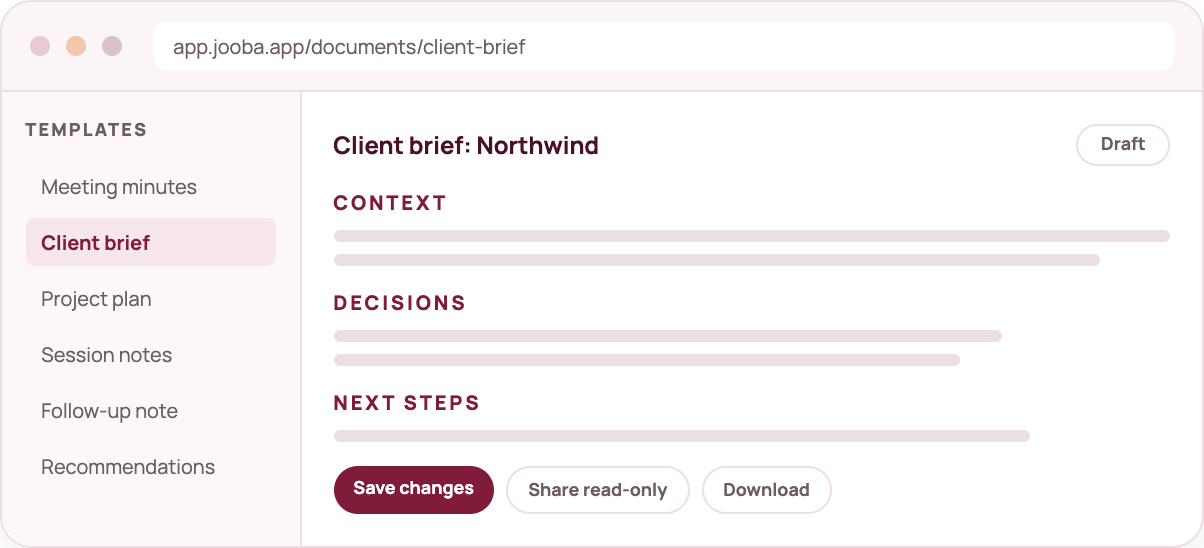
mock document

What you get

Four things that help coaches and trainers

All of this is in your workspace from day one.

✓ Session notes template

Summary, themes, agreed actions and decisions in one layout.

✓ Action plans

Suggested steps are pulled from the conversation and you can edit them.

✓ Review before sharing

Nothing is shared automatically. You approve every document.

✓ Clear consent

A visible assistant and your own consent process stay at the centre.

IncludedUnified calendar, availability, booking pages and meeting confirmations are included. See the calendar

How we handle trust

  • Meeting capture uses a visible assistant. Hosts decide whether it joins.
  • Every meeting capture needs the host to let the assistant in.
  • Recording is visible, sharing is your choice and you can delete any record.
  • Generated documents are drafts you review before sharing.
  • Our analytics never see your transcripts, audio or documents.

Coaches and trainers questions

Can I record client sessions?

Where you have permission, yes. Joobah keeps recording visible and leaves you in control of every record and share link.

Is Joobah suitable for regulated clinical work?

Joobah is built for professional coaching and training. For clinical records, please talk to us first so we can look at your needs with you.

Can I keep everything for one client together?

Give each session a consistent title and the library search will keep a client's sessions together.


One capture is all it takes to decide.

Sign up, choose what to do first and see what a conversation turns into when it has somewhere useful to go.