For consultants and advisers

Your client calls should not end up as a pile of recordings.

Joobah captures the discovery call, the workshop and the idea you had on the way home. Then it turns them into documents you can send with your name on them.

Two colleagues in a working conversation across a table.

The problem

What a normal week looks like

  • You have five client conversations a week and the promises you made are buried in your notes.
  • Workshop photos, unlabelled voice notes and follow ups written from memory.
  • The recommendation you promised on Friday is still waiting to be written on Monday.

With Joobah

Clear documents for your clients and a searchable record of every conversation, without an hour of tidying up after each call.

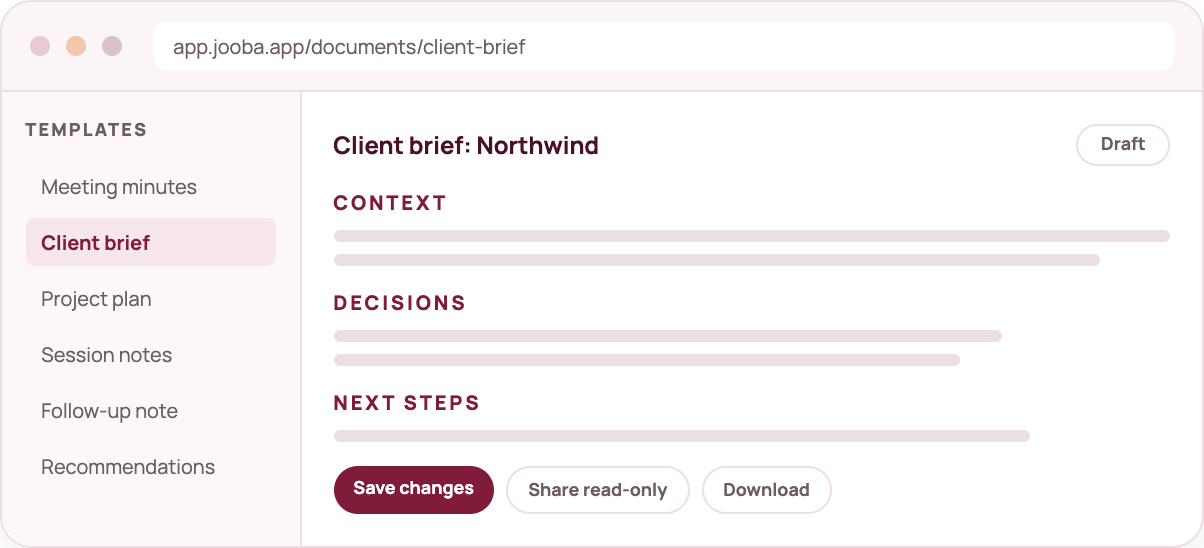
mock document

What you get

Four things that help consultants and advisers

All of this is in your workspace from day one.

✓ Client briefs in minutes

Turn a discovery call into context, requirements, decisions and next steps.

✓ Workshop capture

Keep the discussion and the decisions together, then hand over clean minutes.

✓ Voice notes between calls

Record the idea before your next meeting starts and turn it into a note.

✓ Look back before you dial in

Search earlier conversations so every call starts with the full picture.

IncludedUnified calendar, availability, booking pages and meeting confirmations are included. See the calendar

How we handle trust

  • Meeting capture uses a visible assistant. Hosts decide whether it joins.
  • Every meeting capture needs the host to let the assistant in.
  • Recording is visible, sharing is your choice and you can delete any record.
  • Generated documents are drafts you review before sharing.
  • Our analytics never see your transcripts, audio or documents.

Consultants and advisers questions

Can I use my own client document layout?

You start from a template and edit everything before you save or share it. The document is your draft.

Do I need to record every call?

No. Voice Inbox lets you capture a thought with no meeting at all, and you can upload audio you already have.

How does recording consent work?

Joobah shows a visible meeting assistant and only records when the host lets it in. You choose who sees each document, and you can delete any capture at any time.


One capture is all it takes to decide.

Sign up, choose what to do first and see what a conversation turns into when it has somewhere useful to go.